Audio
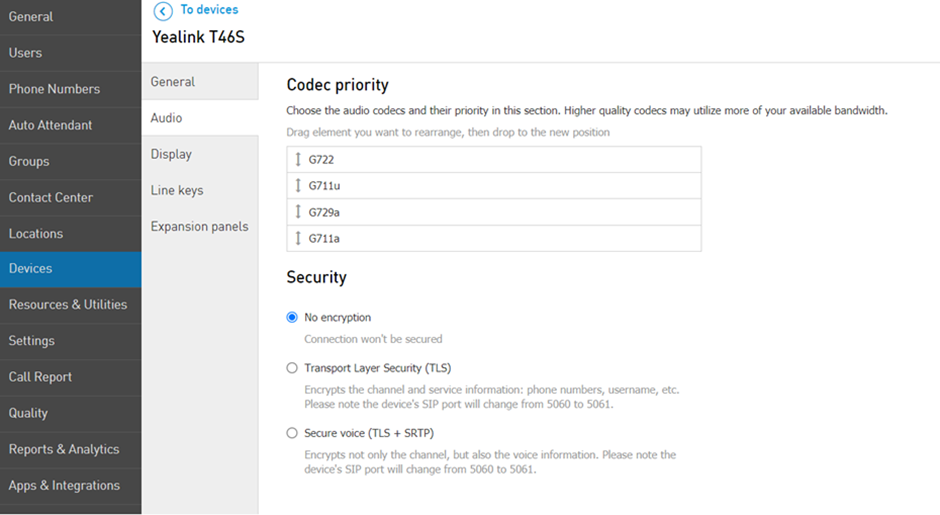
In order to change the codecs priority:
Go to Services > Elevate > Devices.
Select the device you would like to manage.
Find the Audio section under the General tab.
Here you can also manage audio security. Available options are "No Encryption", "TLS", and if there is a need to enable SRTP together with TLS for maintaining full compliance with a Secure SIP solution, "Secure Voice":
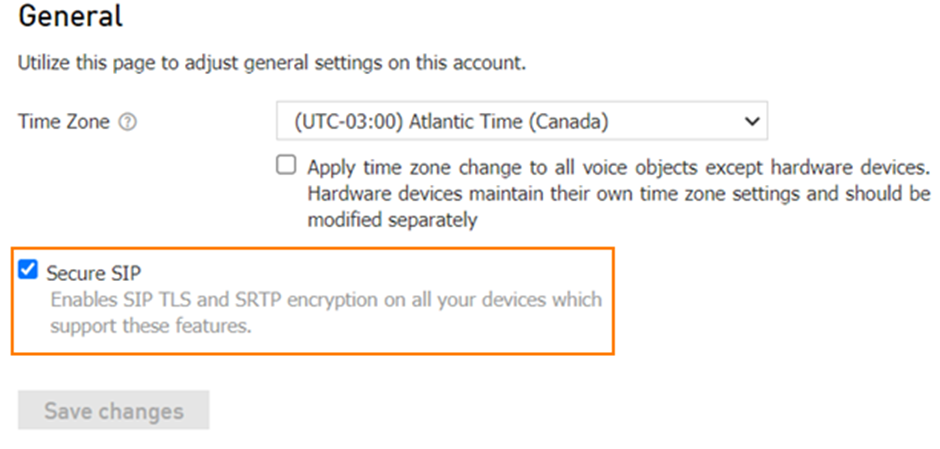
To enable Secure SIP (SRTP together with TLS) for all devices on the account, go to Settings > General > Check the Secure SIP option.