
Managing Messages
If you have an unread message, that chat would be displayed in bold and have the Number of unread messages indicator:

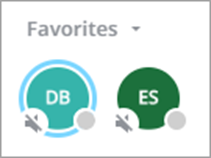
If that chat is favourited and Favourites pane is minimised, it will have a blue outline with Number of unread messages indicator:

If the favourited chat is muted, it will show the Mute indicator:
You can also see the number of chats with unread messages on the Chats icon on the navigation panel:

When the new message is received, a pop-up notification appears.
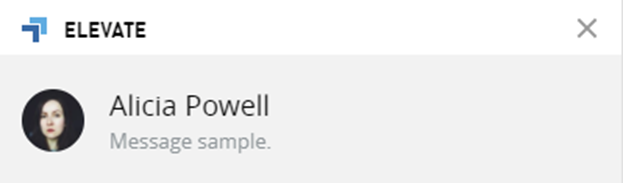
If that message is read on any User’s device where the Elevate app is running, the other User’s devices will show this message as read.
Sent messages can have different delivery status as shown below:
Sent

Read

Not delivered

To delete an outgoing message that you sent in chat hover the cursor on the message. You will see two options - delete or reply:
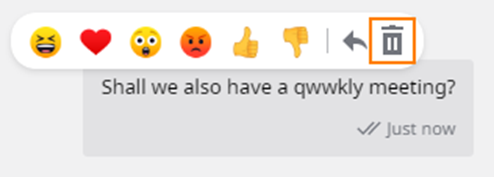
by pressing the delete option, you start deletion then you will see a toast with the option to undo the deletion. The option to undo the deletion is available for 5 seconds:

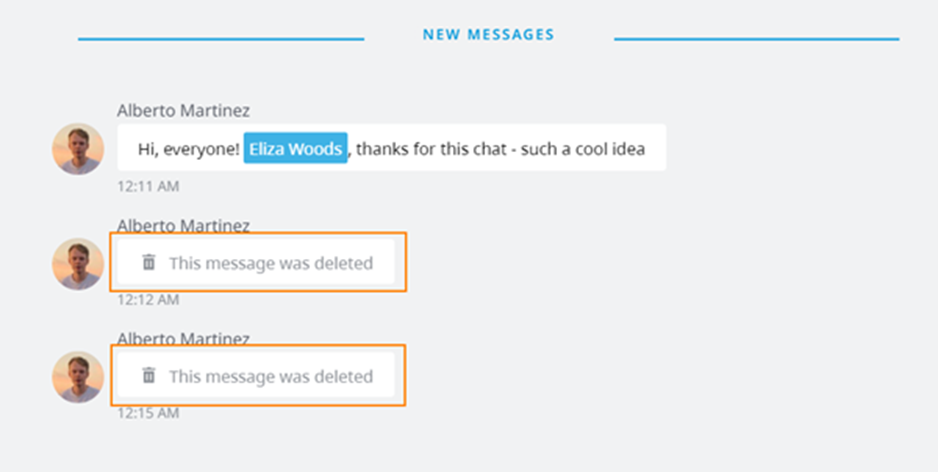
Once the message is deleted all users will see the message is deleted text:
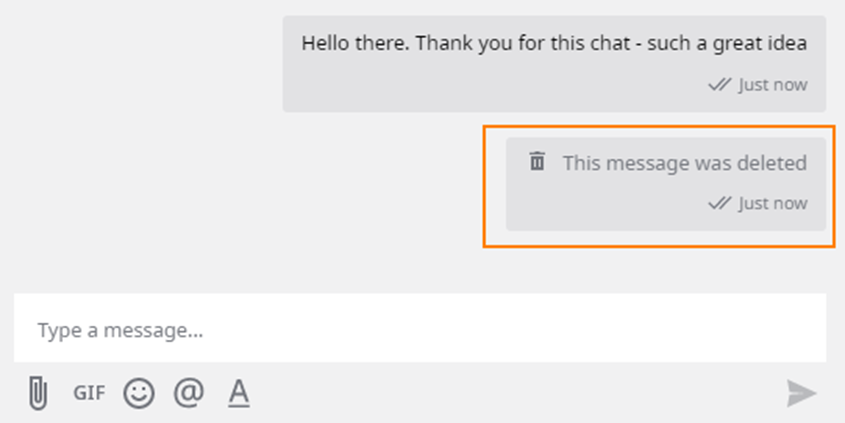
Note: If there was a reply to the message and the original message is deleted, part of the original message will be visible in the reply.