Presence and Custom status
Presence features within Elevate help to indicate which of co-workers are available for collaboration and communication.
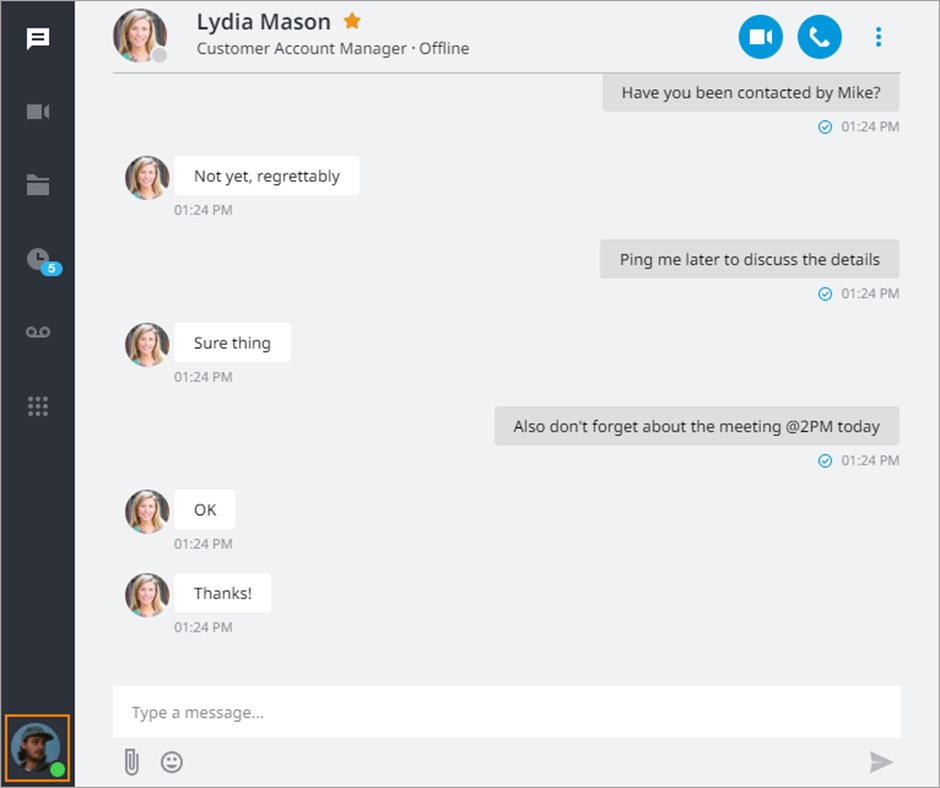
Your presence status is displayed on the profile picture in the left bottom corner of the app.
Important: Do Not Disturb/Out sick/On vacation/Off work puts all user's devices in DND mode. It will affect not only the app it was activated on, but desk phones as well. If Do Not Disturb/Out sick/On vacation/Off work is activated on Desktop, Mobile app will not ring either and vice versa.
Status Descriptions
Depending on the type, presence statuses could be changed manually or automatically:
 | Available | Automatically or Manually: This status indicates that a user is available to chat or talk on the phone |
 | Away | Automatically: when a user locks their computer or we detect no activity on the desktop for 3 min Note: the status will change to Offline when the app loses background activity (if the apps installed on other devices are not showing any activity as well). |
 | Busy | Manually: when a user wants to indicate to others that they are busy and may not respond right away |
 | Offline | Automatically: when user’s applications go offline |
 | On Call/In a meeting | Automatically: when a user is on a call or is in a Online Meeting |
 | Screen sharing | Automatically: when a user is performing a screen share in the Online Meeting |
 | On break | Manually: when a user wants to indicate to others that they are on break and may not respond right away. If you pick up a call or participate in a meeting while being in On break status, your status will automatically change to On call/In a meeting. After the call/meeting is over, your status will change back to On break and you'll need to change it manually. |
 | Do not disturb | Manually: when a user doesn't want to get any notifications and send all incoming calls to voicemail More: If you are on a call or in a meeting while being in Do Not Disturb status, you can turn it off and your status will change to On a Call/In a meeting automatically. When you enable the Do Not Disturb status, a notification will appear at the top of the Elevate application with a Turn Off button. Click it to change your status to Available. 
Note: in this status, calls that came through a Hunt Group also would still ring to you. |
 | Out sick | Manually: when a user wants to notify others that he or she is unavailable due to being sick. Out sick status works in the same way as Do not disturb. When you enable the Out sick status, a notification will appear at the top of the Elevate application with a Turn Off button. Click it to change your status to Available.  |
 | On vacation | Manually: when a user wants to notify others that he or she is unavailable due to being on vacation. On vacation status works in the same way as Do not disturb. When you enable the On vacation status, a notification will appear at the top of the Elevate application with a Turn Off button. Click it to change your status to Available.  |
 | Off work | Manually: when a user wants to notify others that he or she is unavailable due to being off work. Off work status works in the same way as Do not disturb. When you enable the Off work status, a notification will appear at the top of the Elevate application with a Turn Off button. Click it to change your status to Available.  |
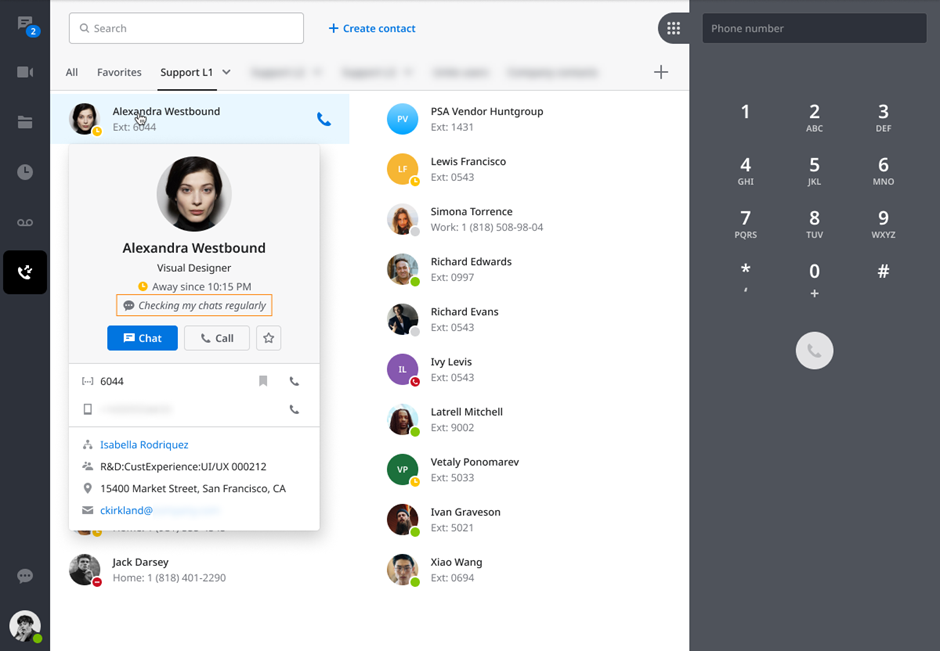
Note: statuses Offline, Away, On break, Out sick, On vacation and Off work will show since when the person is unavailable in a format Away since. If the person is away since yesterday, it will show the date. If the date is the same, then it will show the time.
Changing Status
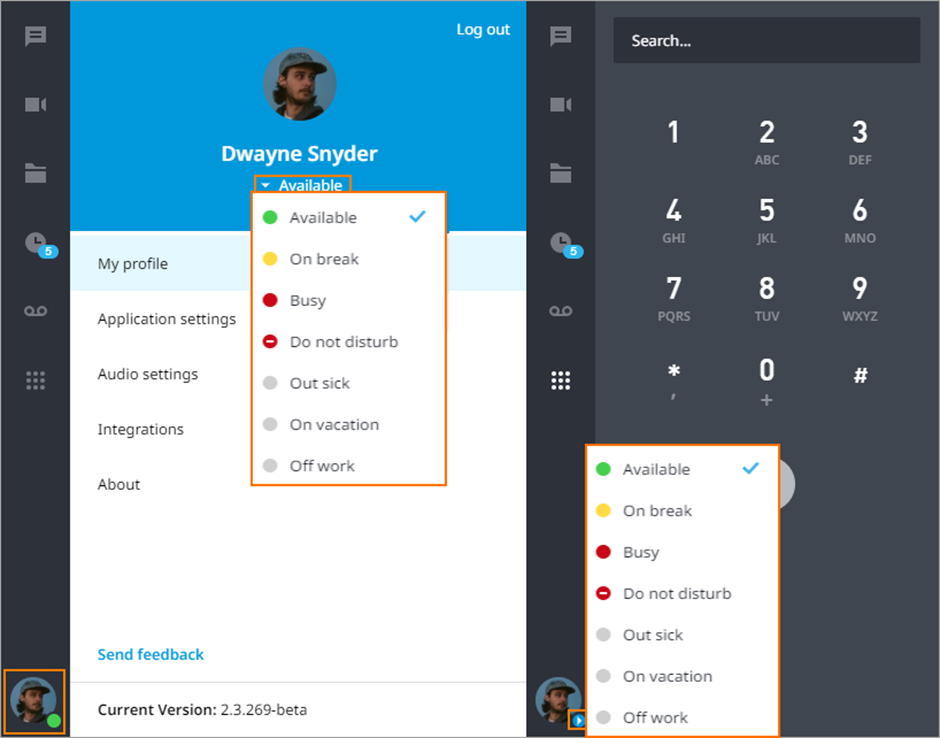
Users can manually toggle their presence by clicking on the presence icon.
Custom Status
Custom Status gives the ability to let other users know about your availability, location or any other information you want to share.
Click Set your status message
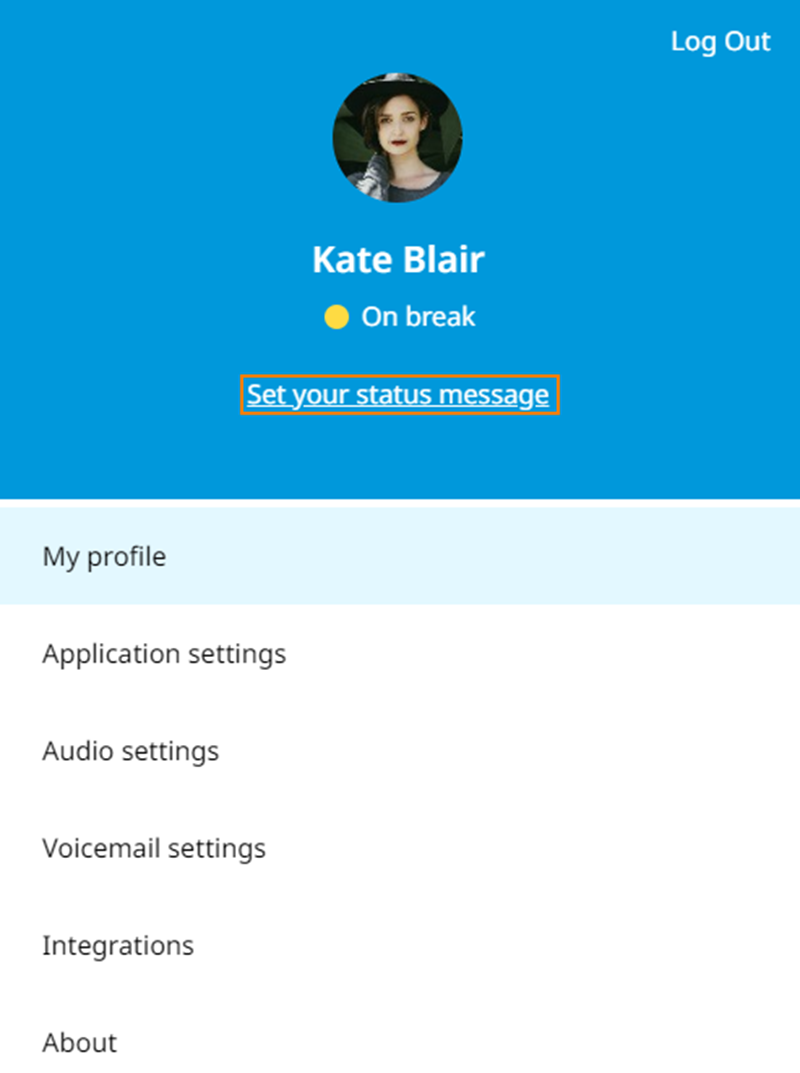
Enter a message with up to 40 symbols and save that.
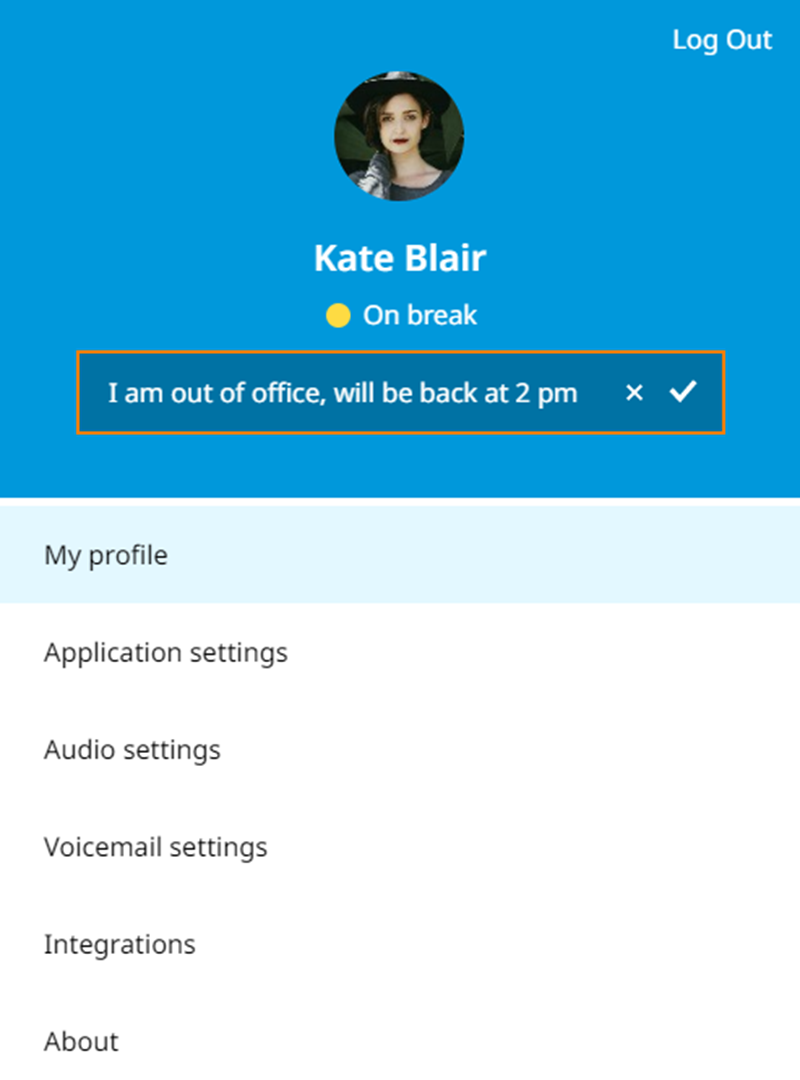
All other users will be able to see this custom status in the application.