
Start A Meeting With Chat Members
To start an Online Meeting with the chat members, open the preferred chat and click on the Meet Now button. The invitation will automatically be sent to the chat.

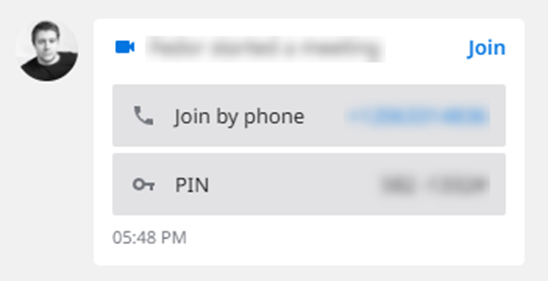
Once you send the invite, all members would need to click the Join button to join the meeting. You can also call the phone number from the invitation and use the included PIN to join. The meeting would start in a new window.
Note: Online Meeting PIN for Presenter and for Attendee is the same.
If you wish external collaborators or people outside of your current chat to join your meeting, gather the URL from the Meeting tab and advise external collaborators to open it and follow instructions.
If you wish to prevent new members from joining, you can lock the meeting.
Important: you can only have one active meeting at a time. In case you have another active meeting and you click Meet Now from the chat tab, you will be asked to stop your current meeting. If other members are still in that meeting, they will receive the message Host has left the meeting, and the meeting would close.