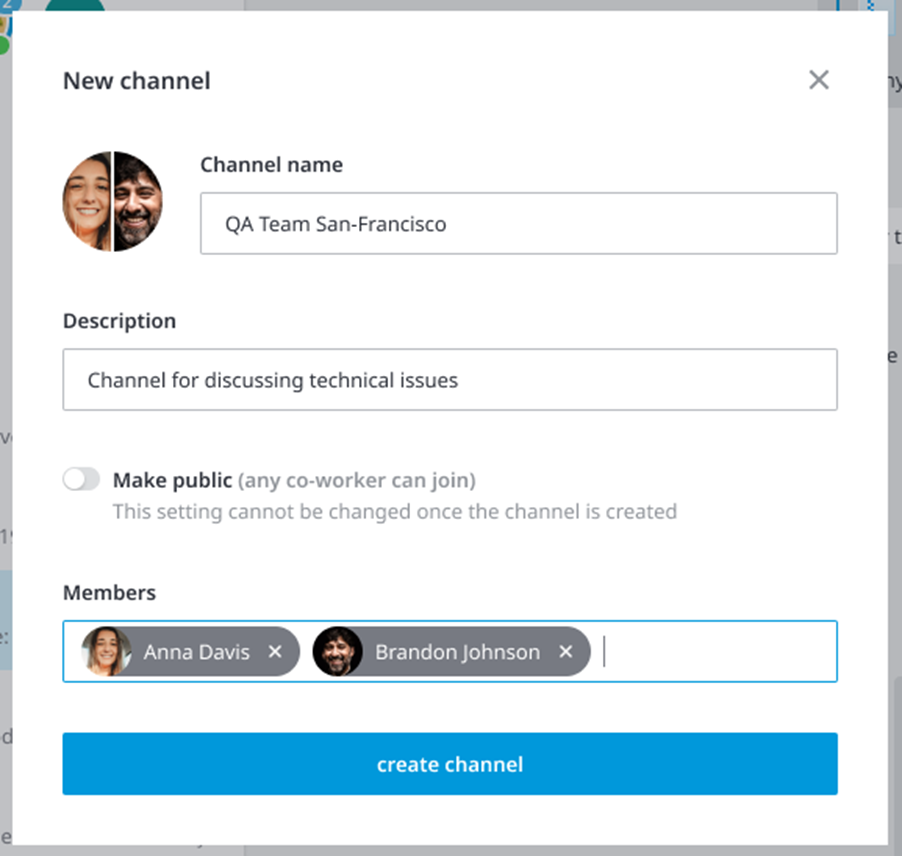
Starting a chat / a channel
In the first run, the Recent chats list is empty: once a chat is initiated it will be added to the Roster. To start a new chat, you may press the + button or start typing a person's name in the Search bar.
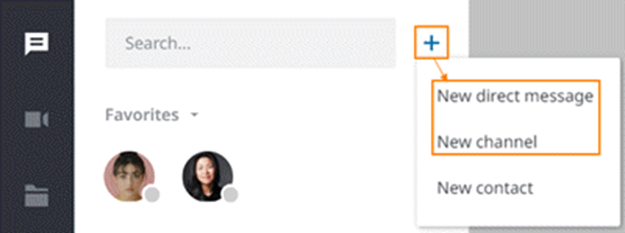
There are options to create a new Direct Chat or Channel:
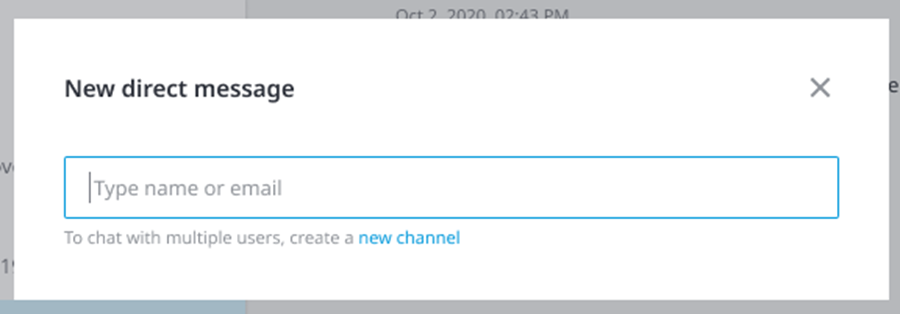
Initiate a direct chat: Choose New Direct Message and enter the name or email address of the contact you would want to chat with:
Create new Channel: Click on New Channel option. A pop-up will appear asking you to enter the Channel name, add members and choose if the channel is going to be private or public.