Subscription Licences
Adding Subscription Licenses
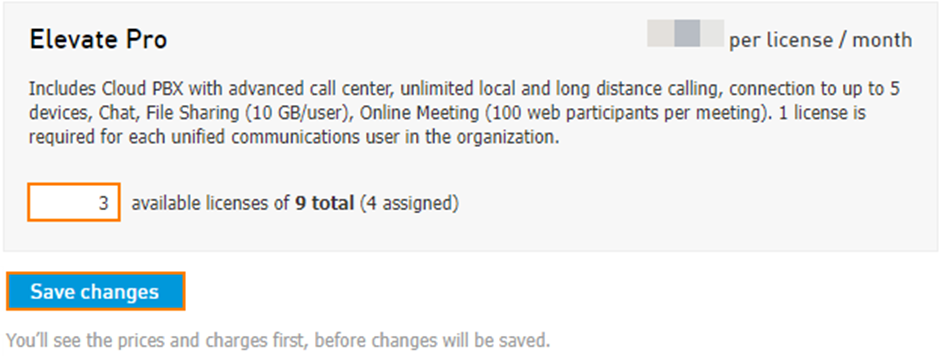
In the Subscriptions section, you can purchase additional new licenses by increasing the number of licenses in the corresponding field.
Note: Increasing the number by one would add one license. For example, if you have 20 licenses and change it to 21, you will gain 1 license regardless of how many you have assigned.
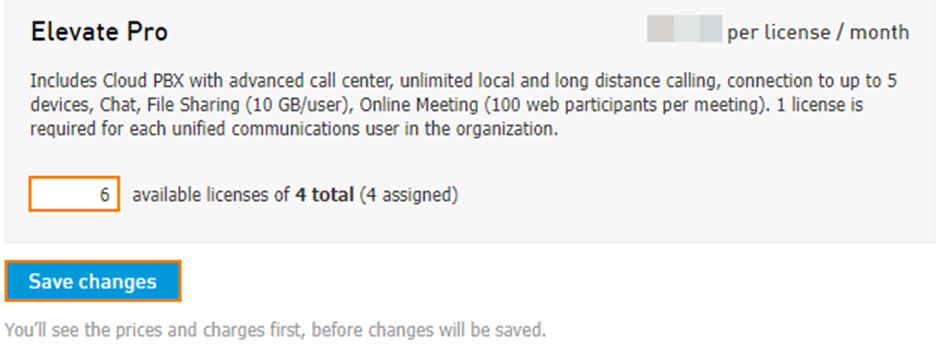
After clicking Save changes, the charge confirmation notification window will appear. Click Confirm to proceed.
Note: Newly purchased licenses are free for the first 7 days. The first-month charge will be prorated according to the date of purchase.
Reducing Subscription Licenses
Note: If a license is unassigned from a user, the license is then set to available for use on another user.
To reduce the number of available licenses, navigate to Services > Elevate > Subscriptions. Reduce the number of licenses and click Save changes.