Create new Resource account
To create a new Resource account:
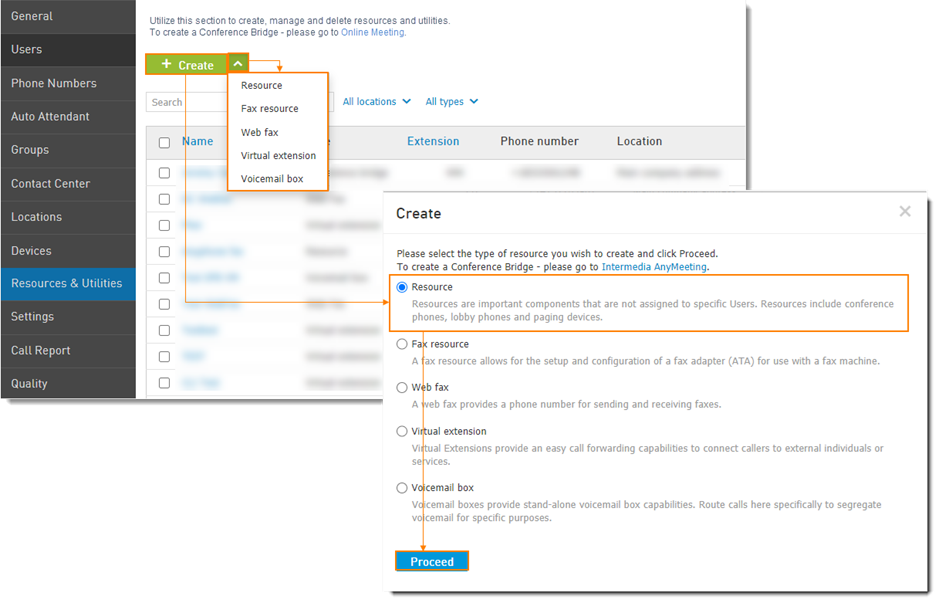
Navigate to Elevate > Resources & Utilities > click Create.
Choose Resource and click Proceed.
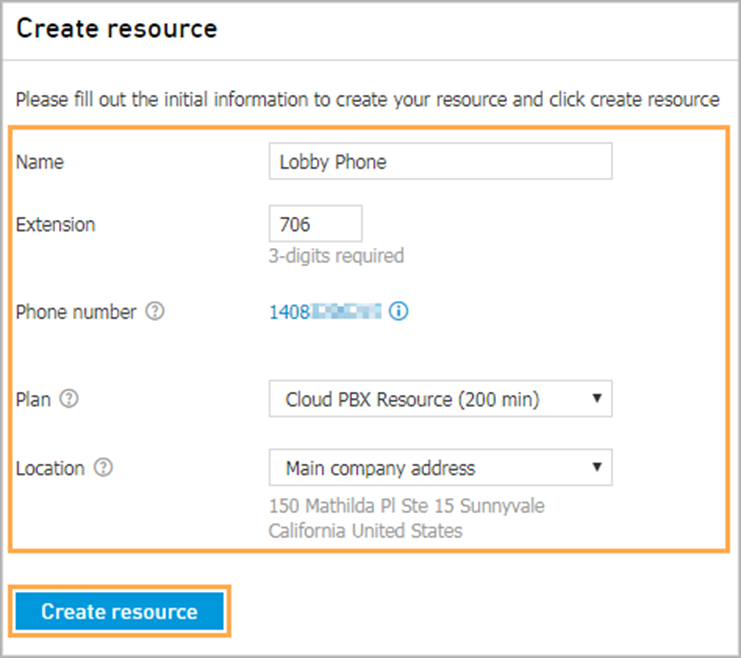
Assign a Name, Extension, and Phone number.
Choose your payment Plan.
Set a Location where this Resource will be used.
Click Create resource.
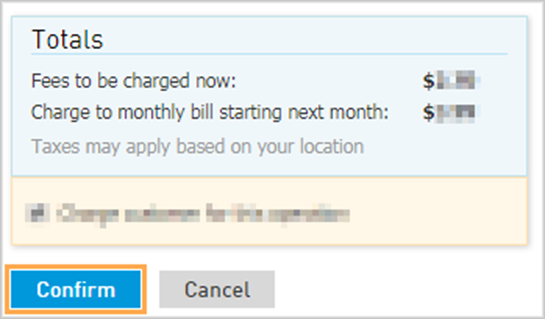
Confirm charges for this operation on the next pop-up.