Edit Settings
o access your Resource general settings:
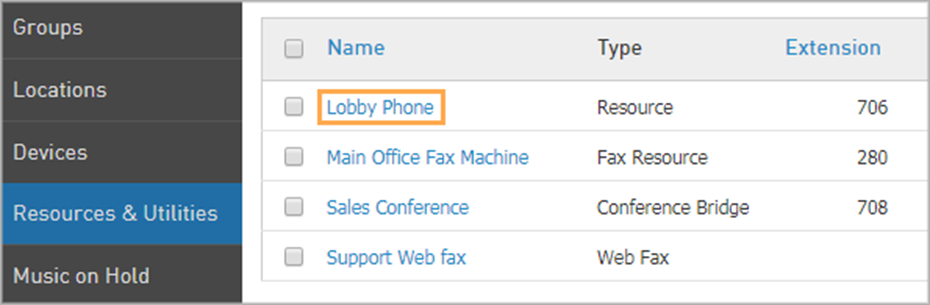
Navigate to Elevate > Resources & Utilities > click on the Resource name.
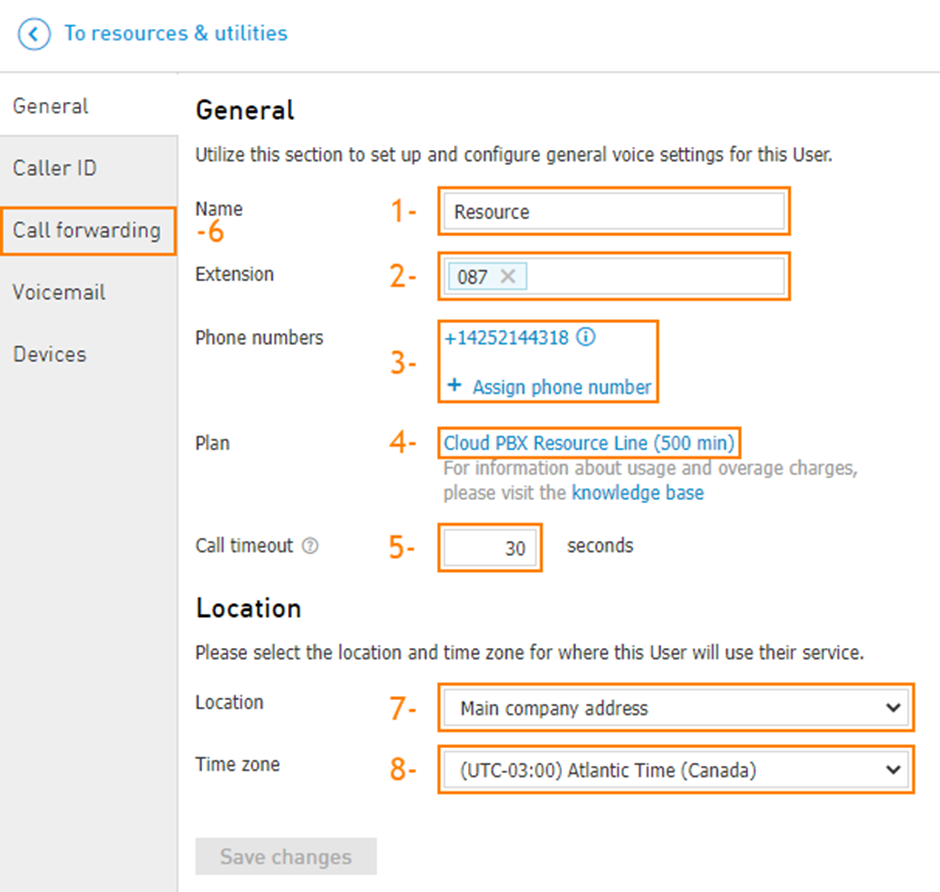
You can change the following settings on the General tab
Update the Name.
Change the Extension.
Change or Assign Phone Numbers.
Update the payment Plan.
Adjust the Call Timeout.
Set up Call forwarding.
Change the Location.
Change the Time zone.