
Checking Voicemails
There are 3 available options to check voicemails:
In CONTROL PANEL
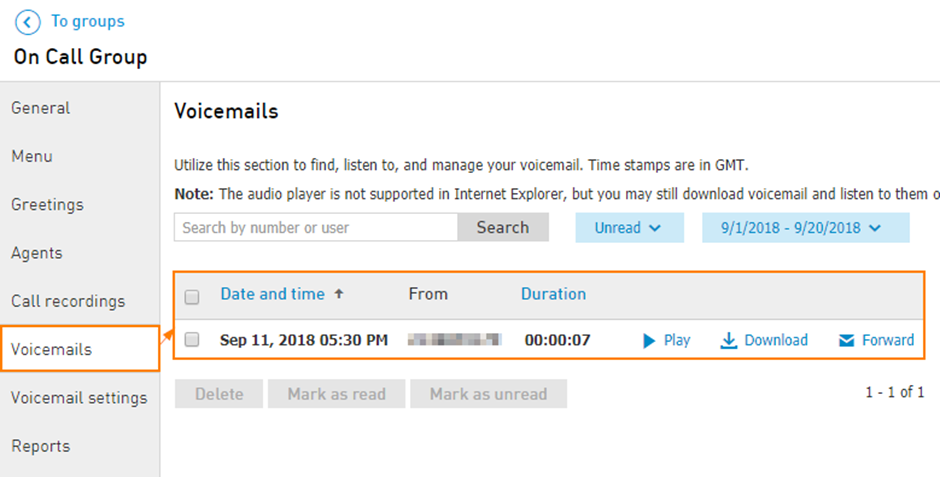
Navigate to Services > Elevate > Groups > Select the hunt group > Voicemails
Via Email
If the email notifications are enabled, then all the voicemails should be forwarded to the specified email address.From the remote line
To access hunt group voicemail directly dial ;* + <HG EXT> (e.g. *100 if 100 is the hunt group extension) and press #
Enter HG EXT when prompted, press #
Enter HG VM PIN, press #