
Checking Voicemails (AHG)
There are 3 available options to check voicemails:
In CONTROL PANEL:
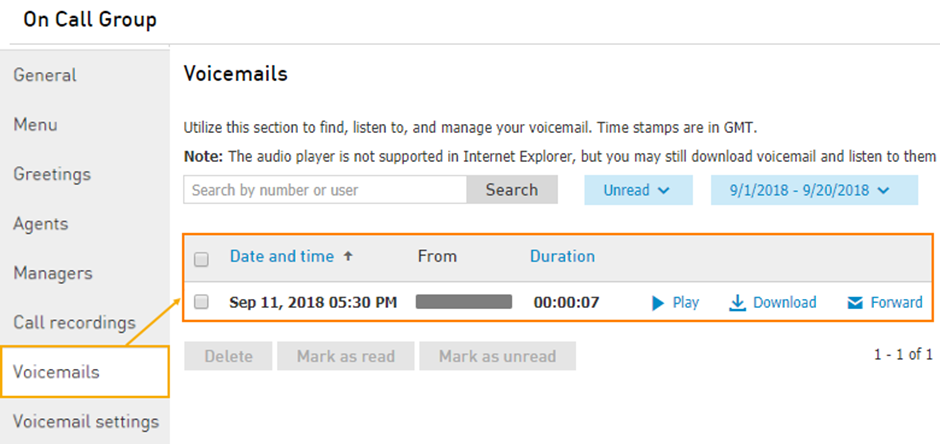
Navigate to Services > Elevate > Groups > Select the Advanced Hunt Group > Voicemails.
Via Email:
If the email notifications are enabled, then all the voicemails should be forwarded to the specified email address.From another phone on the account:
To access the Advanced Hunt Group voicemail directly dial * + <CC EXT> (e.g., *300 if 300 is the Advanced Hunt Group's extension) and press #.
Enter CC EXT when prompted and press #.
Enter CC VM PIN and press #.