Creating a Hunt Group
To create a Hunt Group:
Navigate to Services > Elevate > Groups.
Click the Create group button.
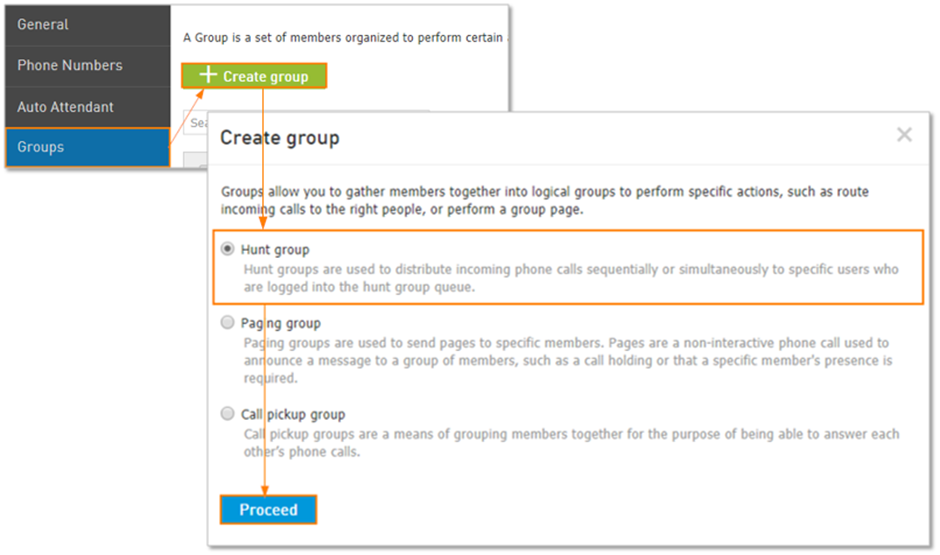
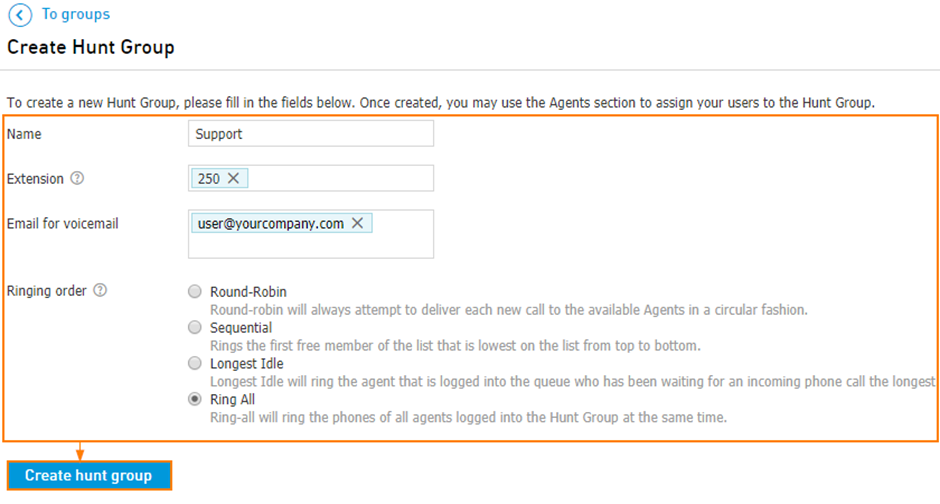
Enter the Hunt Group settings:
Hunt Group Name: Choose an easily identifiable name for the group; for example, Sales or Customer Service.
Extension: Type 3-6 digit extension that is not assigned to a user or Hunt Group.
Email for voicemail: email address where voicemails directed to hunt group's built-in voicemail box will be sent
Ringing Order: Choose how calls will be distributed across agents.
Round-Robin: Sends the call to the first available agent in a list, starting the search from the next agent in a circular manner each time.
Sequential: Sends the call to the first available agent in a list, starting from the top of the list each time.
Note: you can move agents up and down in the list to determine their routing priority when using round-robin and sequential ringing order.Longest Idle: Sends the call to the available agent who has been off the phone the longest.
Ring-All: Sends the call to all available agents simultaneously.
Click the Create button.
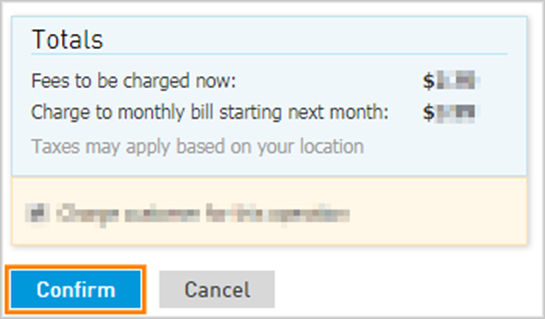
Confirm charges for this operation on the next pop-up.