
Deleting or Disabling The Auto Attendant Menu
Each auto attendant menu can be disabled or deleted except for the Afterhours menu.
To temporarily deactivate or entirely delete the menu, navigate to:
Services > Elevate > Auto Attendant > click on the name of the Auto Attendant > click on three dots next to the name of the menu > Disable or Delete.
To activate the disabled menu, follow the same procedure described above and click Enable.
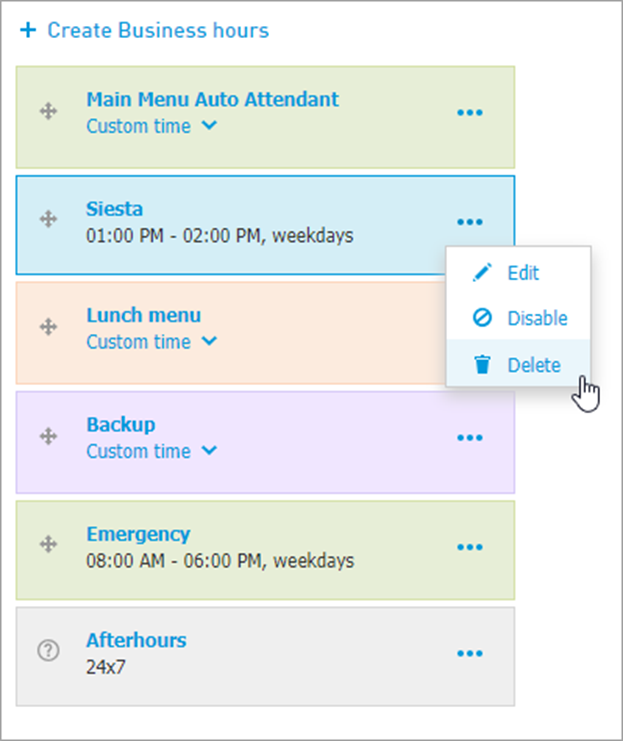
Note: if you decide to delete a menu with another menu linked to it, the linked menu will still remain active during the specified hours.