Enabling Auto Attendant
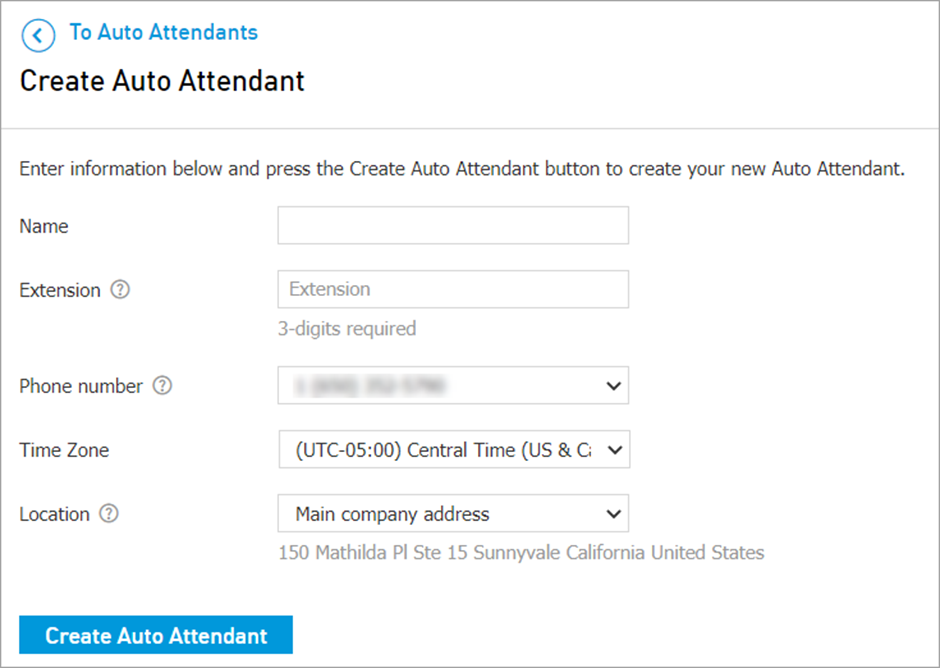
Navigate to CONTROL PANEL > Services > Elevate > Auto Attendant > click Create Auto Attendant button.
In the initial setup, you must:
Enter in a unique Name.
Enter an Extension number.
Assign a Phone Number from your available pool, via the drop-down field.
Choose file that will play as During call transfer music: organisation MOH, Ringback tone or custom music.